Otakle
A daily Wordle-style puzzle where the answer is always a five-letter anime or video game character name, with an optional Dictionary Mode that lets you guess using any English word.
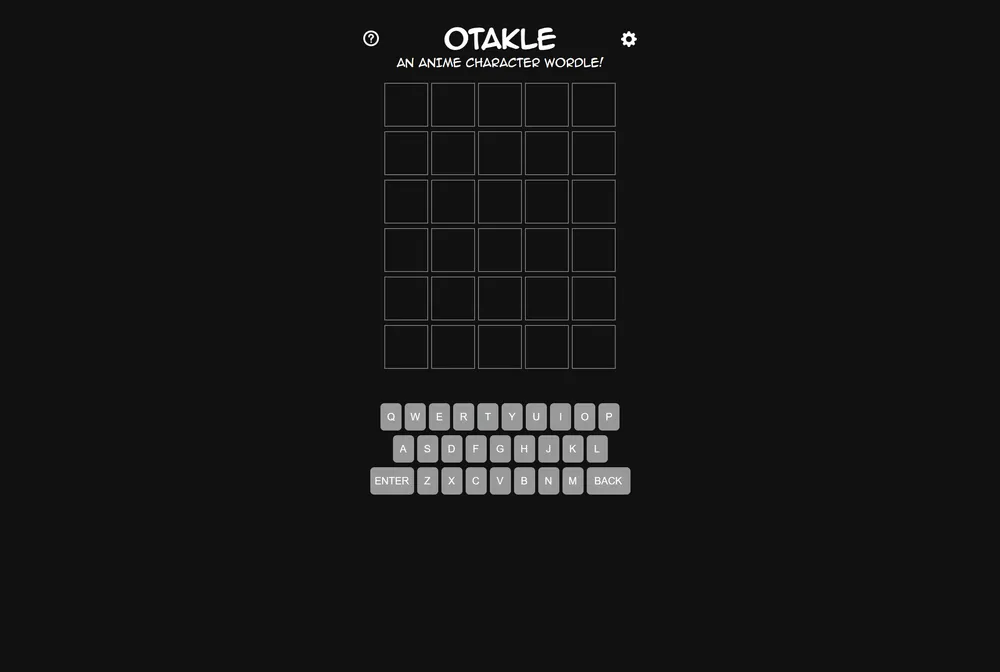
Otakle takes the standard Wordle format and narrows the answer pool to five-letter character names from anime and video games. You get six guesses and the usual green, yellow, and gray tile feedback, but a Dictionary Mode toggle lets you use ordinary English words as guessing tools even though the answer itself is always a character name.
What is Otakle?
Otakle is a five-letter word-guessing game built on the Wordle template: type a valid five-letter guess, submit, and the tiles color in to show which letters are correct and in place (green), correct but misplaced (yellow), or not in the word at all (gray). The twist is the answer bank itself. The game asks for "a valid five-letter character from any anime or video game" rather than general vocabulary, so a solid opening word here might be a well-known character's name rather than a dictionary staple.
What separates Otakle from many other niche Wordle spinoffs is the Dictionary Mode option. In most themed clones, your guesses are locked to the same restricted word list as the answers, which can make early guesses feel like blind stabs. Otakle instead lets you flip on Dictionary Mode, which allows any English word as a guess, so you can hunt for likely letters with common five-letter words before narrowing in on a character name for your final answers. The site also includes Color Blind Mode and a Basic Font option for accessibility, along with a guess-distribution chart so you can track how many tries your solves typically take.
The game was built by Roberto Moreno, a developer from Cadiz, Spain, who goes by Kooloog on GitHub. The source code is public in the Kooloog/otakle repository under a GPL-3.0 license, and the project has the small, single-developer feel to match: no account wall, just the puzzle and a few settings.
Rather than a formal feedback form, the page notes that more options are coming soon and invites players to request features through the creator's Twitter account, @KologDev. A new puzzle becomes available each day, and the whole thing runs in the browser with nothing to install.
How to play Otakle
- Open Otakle at kooloog.github.io/otakle
- Type a five-letter guess and submit it to see the tile colors for that row
- Read the feedback: green means correct letter and position, yellow means the letter is in the answer but in the wrong spot, gray means the letter is not in the answer
- Turn on Dictionary Mode if you want to use ordinary English words to test letters before committing to a character name
- Use up to six guesses to land on the correct anime or video game character name
- Check Color Blind Mode or Basic Font in the settings if you need different visual accessibility options
Tips and strategy
- Turn on Dictionary Mode for your first guess or two so you can test common letters without needing to already know a five-letter character name
- Favor guesses with distinct, frequently used letters early on to maximize the information you get back from yellow and gray tiles
- Once you get a green or yellow hit, think about both anime and video game character names, since the answer pool draws from both
- Keep the guess-distribution chart in mind over time to see whether you tend to solve early or need most of your six guesses
- If you get stuck, mentally scan short, well-known character names rather than defaulting to plain dictionary words for your final guesses
- Use process of elimination on gray letters to rule out entire families of similar character names
Good to know
- Category
- Video games / anime
- Resets
- Daily
- Cost
- Free
- Guesses
- 6 attempts
- Modes
- Dictionary Mode, Color Blind Mode, Basic Font
- Creator
- Roberto Moreno (Kooloog)
- Feedback
- Via creator's Twitter, @KologDev
- Platform
- Web browser
Otakle FAQ
Is Otakle free to play?
Yes. Otakle is free to play in your browser with no account required.
How do you play Otakle?
Guess a five-letter anime or video game character name in six tries. Each guess is scored with green, yellow, and gray tiles, just like Wordle, telling you which letters are correct and whether they are in the right position.
What is Dictionary Mode in Otakle?
Dictionary Mode is a setting that allows any English word as a guess. With it turned on, you can probe for letters using ordinary words, though the daily answer is still always a character name.
Is Otakle just like Wordle?
It follows the same six-guess, tile-feedback format as Wordle, but the answer is always a five-letter anime or video game character name. It also adds a Dictionary Mode that lets you guess with any English word instead of only character names.
Who made Otakle?
Otakle was developed by Roberto Moreno, known online as Kooloog. The source code is available on GitHub under a GPL-3.0 license.